A must-have for anyone coming to Mac from Windows. SADFinder is the kind of app you didn't know you needed until you've tried it, and it's full of thoughtful little features I wish Mac had by default.
Eine Finder-Alternative für macOS der Ordner mit Enter öffnet.
Der Finder, den macOS hätte mitliefern sollen. Wähle 5 $/Monat, 29 $/Jahr oder einmalig 49 $ — für bis zu 3 Macs.
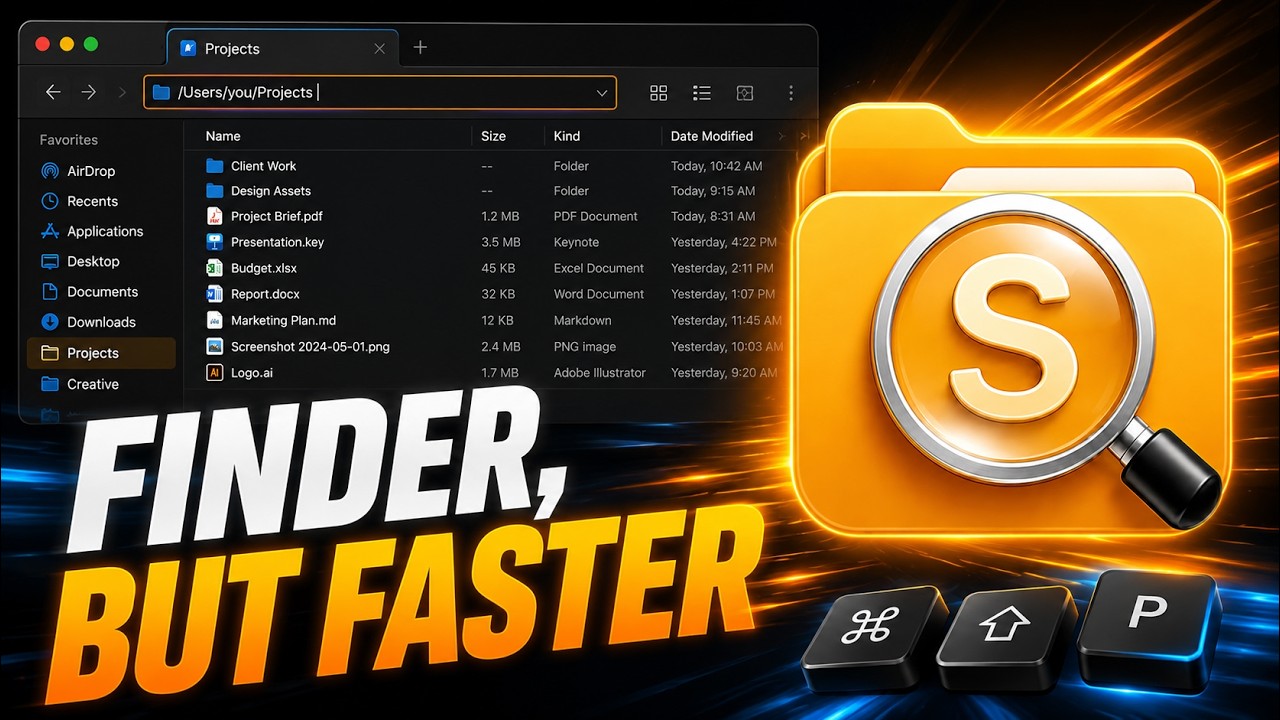
Die Tasten verhalten sich wieder logisch.
Behalte schnelle Tastaturabläufe, ohne auf eine native Mac-App zu verzichten.
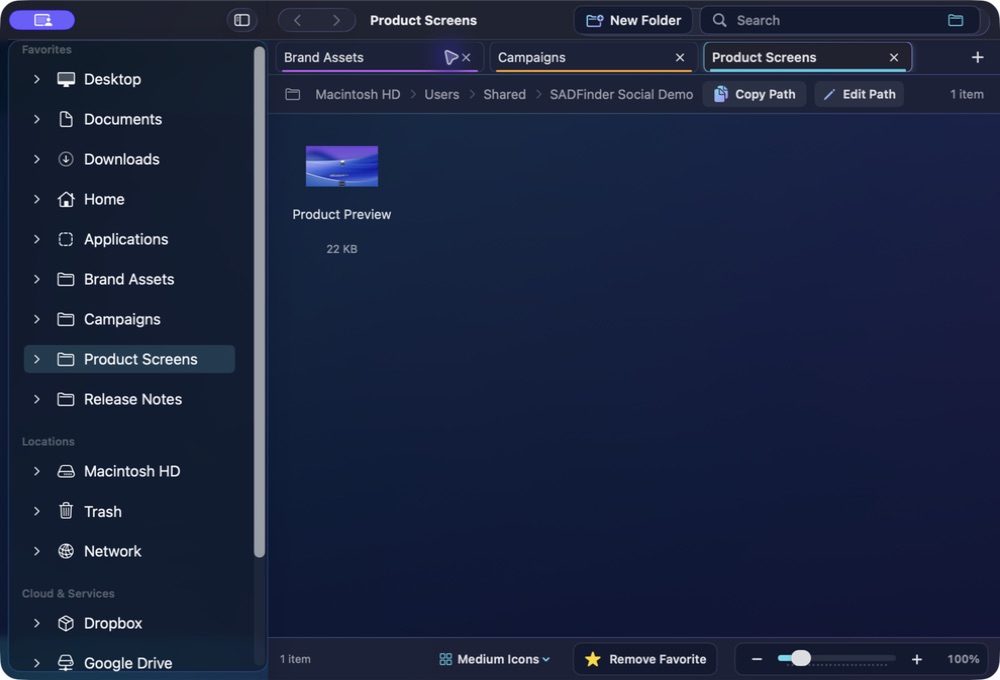
★Remove Favorite −+100%
Open
Muskelgedächtnis
Die Tasten verhalten sich wieder logisch.
01
Muskelgedächtnis
Enter öffnet
Öffne Ordner und Dateien mit Enter, statt sie versehentlich umzubenennen.
keys⏎⌫
assets
components⏎ open
index.html
README.md
02
Muskelgedächtnis
Alt+↑ geht hoch
Springe mit dem vertrauten Explorer-Kürzel direkt in den übergeordneten Ordner.
keys⏎⌫
assets
components⏎ open
index.html
README.md
03
Muskelgedächtnis
Delete heißt Papierkorb
Verschiebe markierte Objekte mit Delete in den Papierkorb. Cmd+Delete überspringt ihn.
notes.md
shot.png
old.zip
drafts
demo.m4a
backup
04
Muskelgedächtnis
Editierbare Pfadleiste
Drücke Cmd+L, füge einen Pfad ein oder tippe ihn ein und springe sofort dorthin.
05
Muskelgedächtnis
Echte Tabs
Öffnen, wiederherstellen, in einem Tab ausschneiden und in einem anderen einfügen.
keys⌘T⌘X⌘N
Projects Downloads Photos
hero-final.png⌘X cut
logo.svg
exports
06
Muskelgedächtnis
Fenster-Snapping
Ordne jedes vorderste Fenster per Tastatur in Hälften, Viertel oder Vollbild an.
keys⌃⇧←⌃⇧→
SADFinderFileEditViewWindow
Themes
Make it readable. Make it yours.
A closer look at ten of SADFinder's seventeen built-in themes, including six premium styles with richer glass, colour and contrast.
SADFinder theme preview
Mac switchers get it immediately.
When I switched from Windows to Mac, Finder just didn't click for me — literally. No clicking into folders, no backspace to go back, all the little shortcuts I took for granted were gone. SADFinder fixed that. Now navigating feels fast, natural, and kind of satisfying.
I worked in DOS and Windows for decades, then became a zealous Mac convert. The one thing that bugged me about macOS is Finder — it just doesn't act the way I think it should. SADFinder has made my Mac-centered life MUCH better.
Ken Granger
Preise
Monatlich, jährlich oder Lifetime.
Monatlich
$5/ Monat
Maximale Flexibilität. Jederzeit kündbar.
7 Tage kostenlos testen Jährlich Bestes Angebot
$29 / Jahr · $2.42/Monat
$2.42/Monat bei jährlicher Zahlung — 52 % günstiger als monatlich.
7 Tage kostenlos testen Lifetime Updates inklusive
$49einmalig
Einmal zahlen. Lifetime-Zugang inklusive aller zukünftigen Updates.
Einmal kaufen — 49 $Klarna. An der Kasse nur für berechtigte Lifetime-Käufe.
7 Tage kostenlos, ohne Karte. Danach 5 $/Monat, 29 $/Jahr oder einmalig 49 $. · 14 Tage Erstattung beim Erstkauf