A must-have for anyone coming to Mac from Windows. SADFinder is the kind of app you didn't know you needed until you've tried it, and it's full of thoughtful little features I wish Mac had by default.
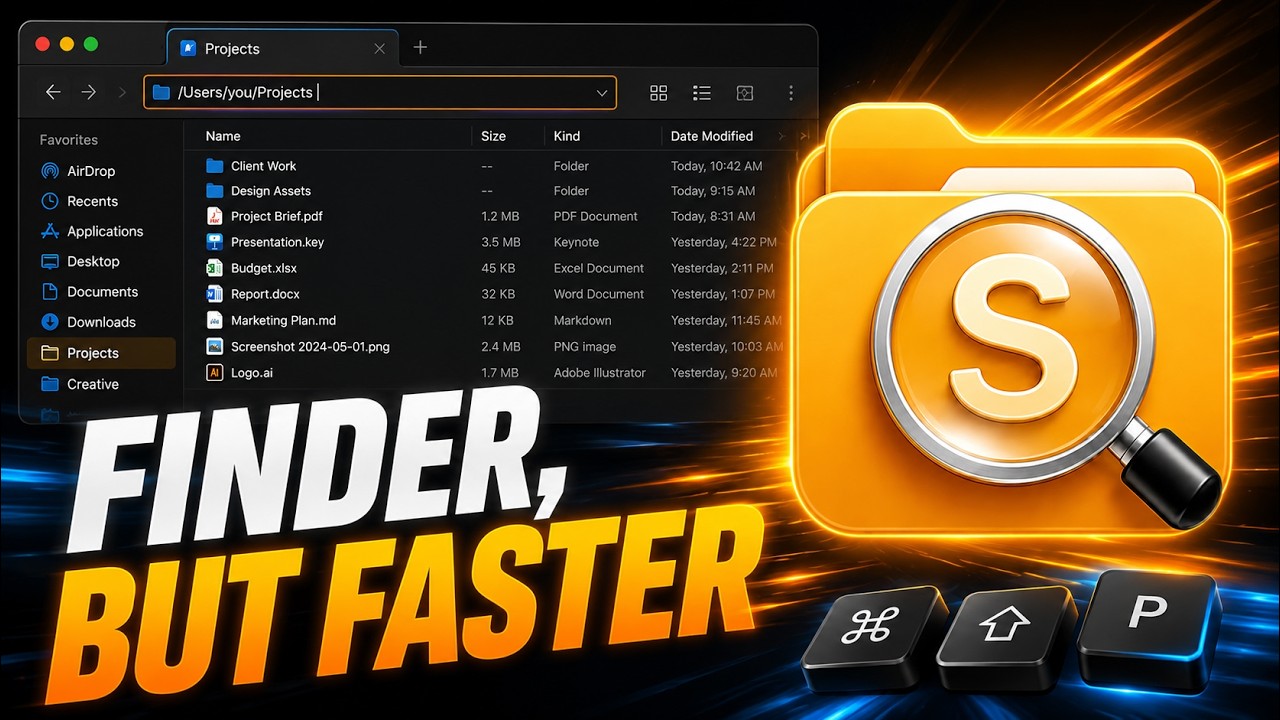
Une alternative à Finder pour macOS qui ouvre les dossiers avec Entrée.
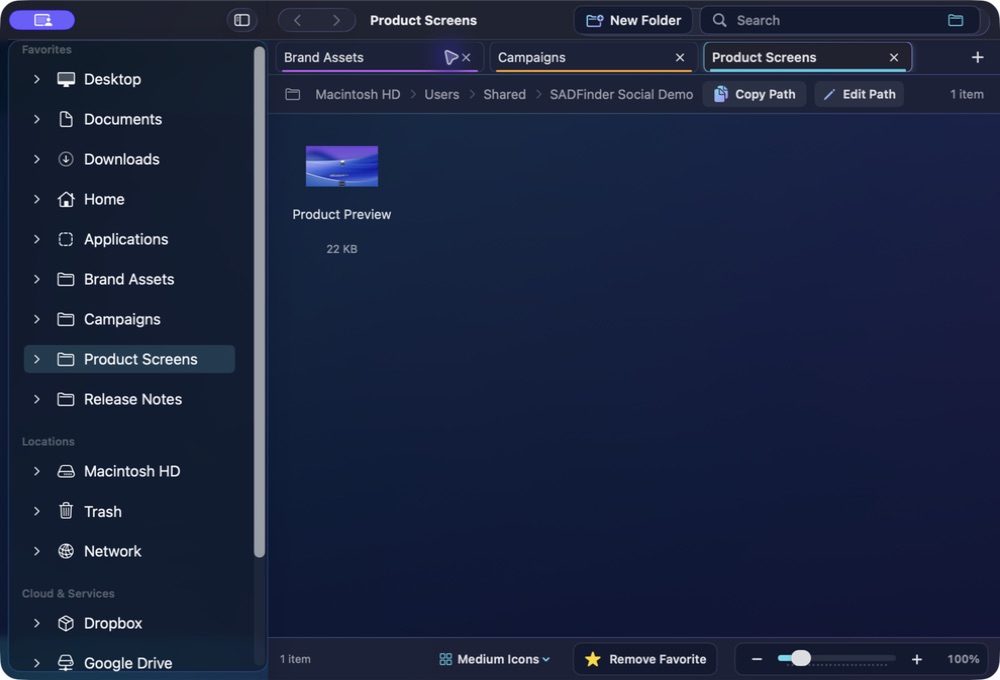
SADFinder accélère les actions fichier du quotidien : Entrée ouvre, Retour arrière remonte, Suppr met à la corbeille, avec des onglets et une barre de chemin vraiment éditable.
Les touches redeviennent logiques.
Gardez des raccourcis clavier rapides, avec une application Mac native.
★Remove Favorite −+100%
Open
Mémoire musculaire
Les touches redeviennent logiques.
01
Mémoire musculaire
Entrée ouvre
Ouvrez dossiers et fichiers avec Entrée au lieu de les renommer par accident.
keys⏎⌫
assets
components⏎ open
index.html
README.md
02
Mémoire musculaire
Retour arrière remonte
Revenez au dossier parent avec la touche que vos doigts connaissent déjà.
keys⏎⌫
assets
components⏎ open
index.html
README.md
03
Mémoire musculaire
Suppr met à la corbeille
Envoyez la sélection à la corbeille avec Suppr. Cmd+Suppr la contourne.
notes.md
shot.png
old.zip
drafts
demo.m4a
backup
04
Mémoire musculaire
Barre de chemin éditable
Appuyez sur Cmd+L, collez ou tapez un chemin et allez-y directement.
05
Mémoire musculaire
De vrais onglets
Ouvrez, restaurez, coupez dans un onglet et collez dans un autre.
keys⌘T⌘X⌘N
Projects Downloads Photos
hero-final.png⌘X cut
logo.svg
exports
06
Mémoire musculaire
Ancrage des fenêtres
Placez toute fenêtre active en moitié, quart ou plein écran au clavier.
keys⌃⇧←⌃⇧→
SADFinderFileEditViewWindow
Themes
Make it readable. Make it yours.
A closer look at ten of SADFinder's seventeen built-in themes, including six premium styles with richer glass, colour and contrast.
SADFinder theme preview
Mac switchers get it immediately.
When I switched from Windows to Mac, Finder just didn't click for me — literally. No clicking into folders, no backspace to go back, all the little shortcuts I took for granted were gone. SADFinder fixed that. Now navigating feels fast, natural, and kind of satisfying.
I worked in DOS and Windows for decades, then became a zealous Mac convert. The one thing that bugged me about macOS is Finder — it just doesn't act the way I think it should. SADFinder has made my Mac-centered life MUCH better.
Ken Granger
Tarifs
Choisissez au mois, à l’année ou à vie.
Mensuel
$5/ mois
Flexibilité maximale. Résiliez à tout moment.
Essai gratuit de 7 jours Annuel Meilleur choix
$29 / an · $2.42/mois
$2.42/mois, facturés annuellement — 52 % moins cher que le mensuel.
Essai gratuit de 7 jours À vie Mises à jour incluses
$49une fois
Payez une fois. Accès à vie avec toutes les futures mises à jour incluses.
Acheter une fois — 49 $Klarna. Au paiement, uniquement pour les achats à vie éligibles.
7 jours gratuits, sans carte. Puis 5 $/mois, 29 $/an ou 49 $ une fois. · Remboursement 14 jours au premier achat