A must-have for anyone coming to Mac from Windows. SADFinder is the kind of app you didn't know you needed until you've tried it, and it's full of thoughtful little features I wish Mac had by default.
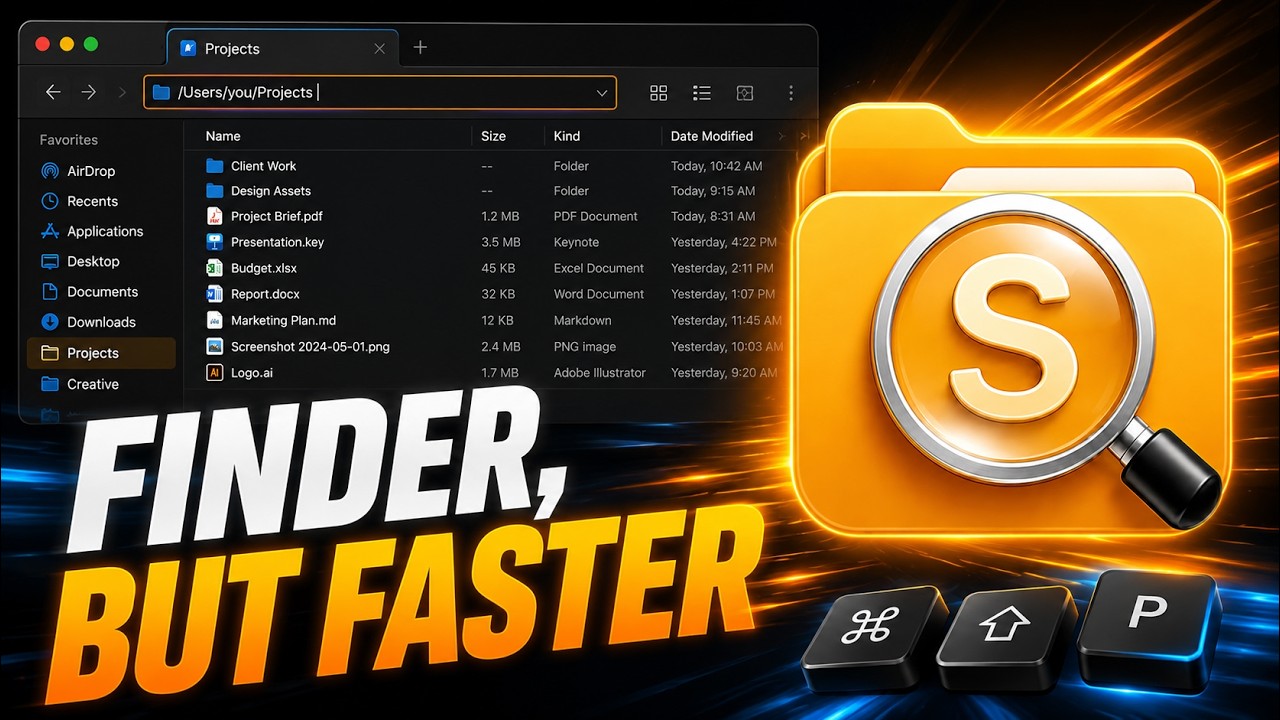
Una alternativa a Finder para macOS que abre carpetas con Enter.
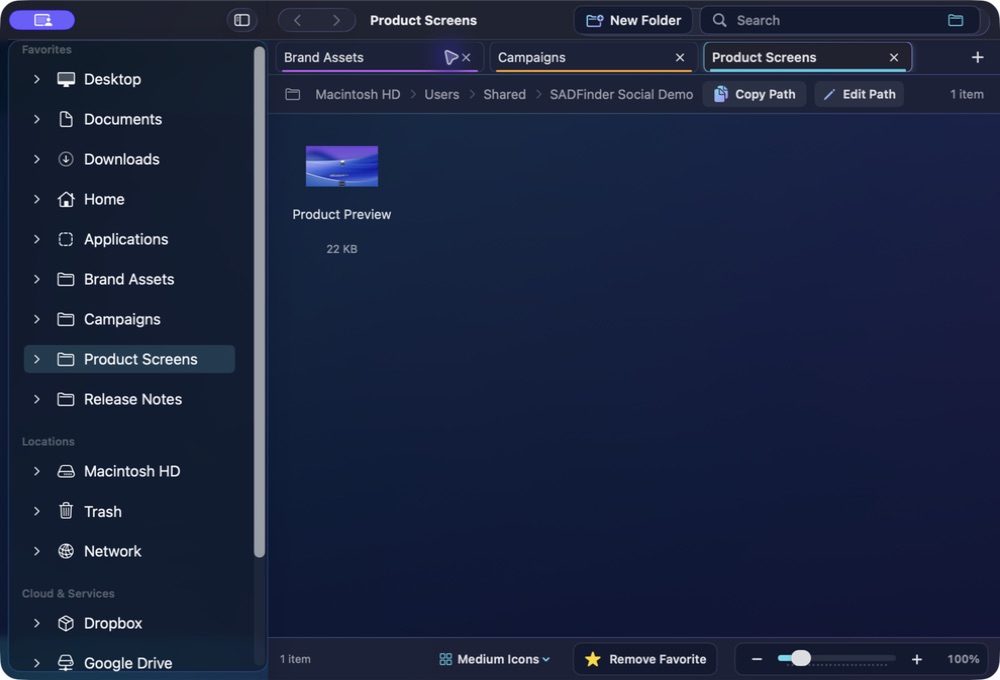
SADFinder acelera el trabajo diario con archivos: Enter abre, la tecla Supr (⌫) envía a la Papelera, Alt+Arriba sube un nivel, con pestañas y una barra de ruta que sí puedes escribir.
Las teclas vuelven a tener sentido.
Conserva atajos de teclado rápidos sin renunciar a una app nativa para Mac.
★Remove Favorite −+100%
Open
Memoria muscular
Las teclas vuelven a tener sentido.
01
Memoria muscular
Enter abre
Abre carpetas y archivos con Enter en lugar de renombrarlos por accidente.
keys⏎⌫
assets
components⏎ open
index.html
README.md
02
Memoria muscular
Alt+↑ sube
Vuelve a la carpeta superior con el atajo que ya conoces del Explorador.
keys⏎⌫
assets
components⏎ open
index.html
README.md
03
Memoria muscular
Supr es Papelera
Envía elementos seleccionados a la Papelera con Supr. Cmd+Supr la salta.
notes.md
shot.png
old.zip
drafts
demo.m4a
backup
04
Memoria muscular
Ruta editable
Pulsa Cmd+L, pega o escribe una ruta y salta directamente allí.
05
Memoria muscular
Pestañas reales
Abre, restaura, corta en una pestaña y pega en otra.
keys⌘T⌘X⌘N
Projects Downloads Photos
hero-final.png⌘X cut
logo.svg
exports
06
Memoria muscular
Ajuste de ventanas
Coloca cualquier ventana activa en mitades, cuartos o pantalla completa desde el teclado.
keys⌃⇧←⌃⇧→
SADFinderFileEditViewWindow
Themes
Make it readable. Make it yours.
A closer look at ten of SADFinder's seventeen built-in themes, including six premium styles with richer glass, colour and contrast.
SADFinder theme preview
Mac switchers get it immediately.
When I switched from Windows to Mac, Finder just didn't click for me — literally. No clicking into folders, no backspace to go back, all the little shortcuts I took for granted were gone. SADFinder fixed that. Now navigating feels fast, natural, and kind of satisfying.
I worked in DOS and Windows for decades, then became a zealous Mac convert. The one thing that bugged me about macOS is Finder — it just doesn't act the way I think it should. SADFinder has made my Mac-centered life MUCH better.
Ken Granger
Precios
Elige mensual, anual o de por vida.
Mensual
$5/ mes
Máxima flexibilidad. Cancela cuando quieras.
Prueba gratis de 7 días Anual Mejor opción
$29 / año · $2.42/mes
$2.42/mes, facturados anualmente — ahorra un 52% frente al mensual.
Prueba gratis de 7 días De por vida Actualizaciones incluidas
$49una vez
Paga una vez. Acceso de por vida con todas las actualizaciones futuras incluidas.
Comprar una vez — 49 $Klarna. En el pago, solo para compras de por vida elegibles.
7 días gratis, sin tarjeta. Después 5 $/mes, 29 $/año o 49 $ una vez. · Reembolso de 14 días en primera compra