Four minutes. The whole app.
No signup to watch. If you would rather try it than watch it, the trial needs no card.
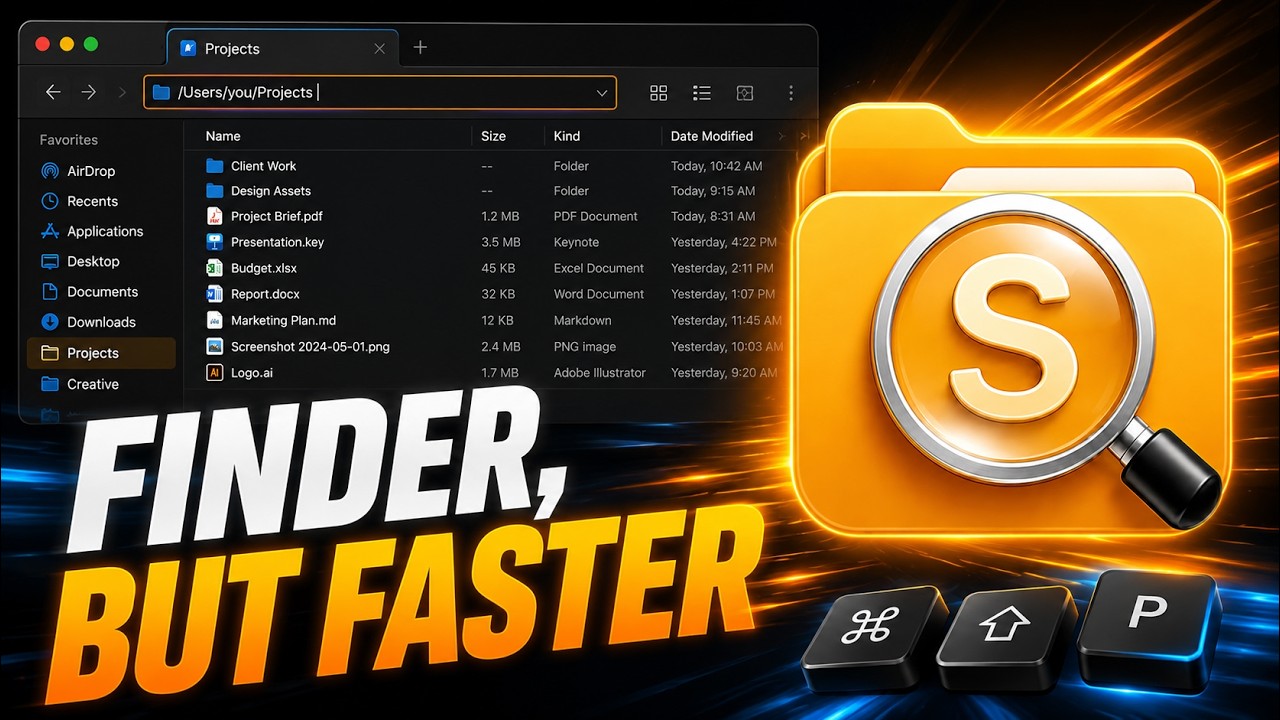
- 0:00 Why Finder gets in the wayThe habits that stop working the day you switch to a Mac.
- 0:48 Navigating with Enter and BackspaceInto a folder, back out again — without reaching for the mouse.
- 1:35 Tabs, cut and pasteCmd-X really moves the file, across tabs and windows.
- 2:20 The path bar and quick filterType a path, or filter the folder you are already standing in.
- 3:05 Snapping, themes and the DesktopWindow management, seventeen themes, and real control of the Desktop.
Every shortcut, on one page.
Filter by name or by key. The same sheet lives inside the app, one click away.
Essentials
Move files without drama
Large transfers show speed and time remaining. Drag & drop highlights exactly where files will land.
Tabs & windows
Color your tabs — dot, underline, or background tint — in Settings → Appearance.
File actions
Right-click: new text, Markdown, or empty file · Compress ZIP · Extract · Finder tags.
Find, filter, read
Window snapping
Default modifier is Control — switch it to ⌘ in Settings. Works on every window, not just SADFinder.
SADFinder Desktop
Icons arrange in a predictable grid — top-to-bottom, then left-to-right.
Cloud files
iCloud, Dropbox, Google Drive, OneDrive — Personal, Business, SharePoint, Teams.
Dialog Picker
Power extras
Right-click: Open in Terminal / VS Code · Reveal in Finder · Add to Favorites (star) — favorites live in the sidebar.
Nothing matches . Try “tab”, “cloud” or “rename”.
Seen enough?
Seven days free, no card, and it works on up to three Macs.