A must-have for anyone coming to Mac from Windows. SADFinder is the kind of app you didn't know you needed until you've tried it, and it's full of thoughtful little features I wish Mac had by default.
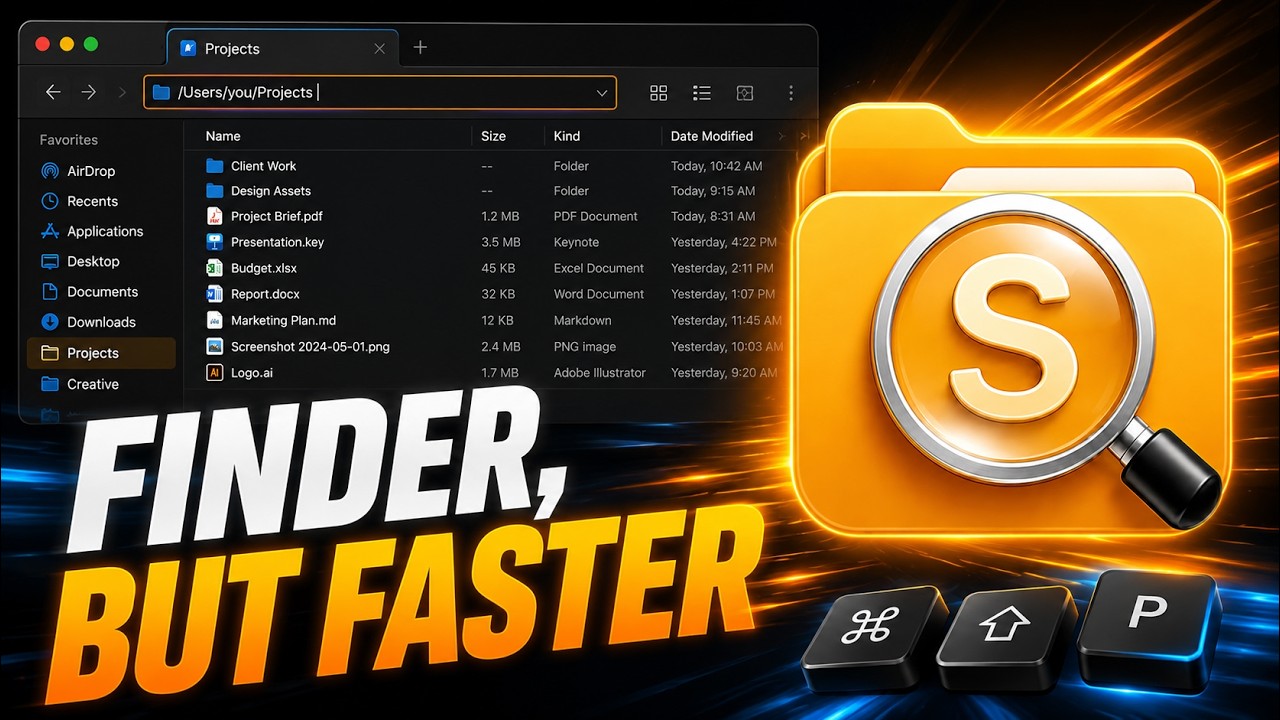
Un'alternativa a Finder per macOS che apre le cartelle con Invio.
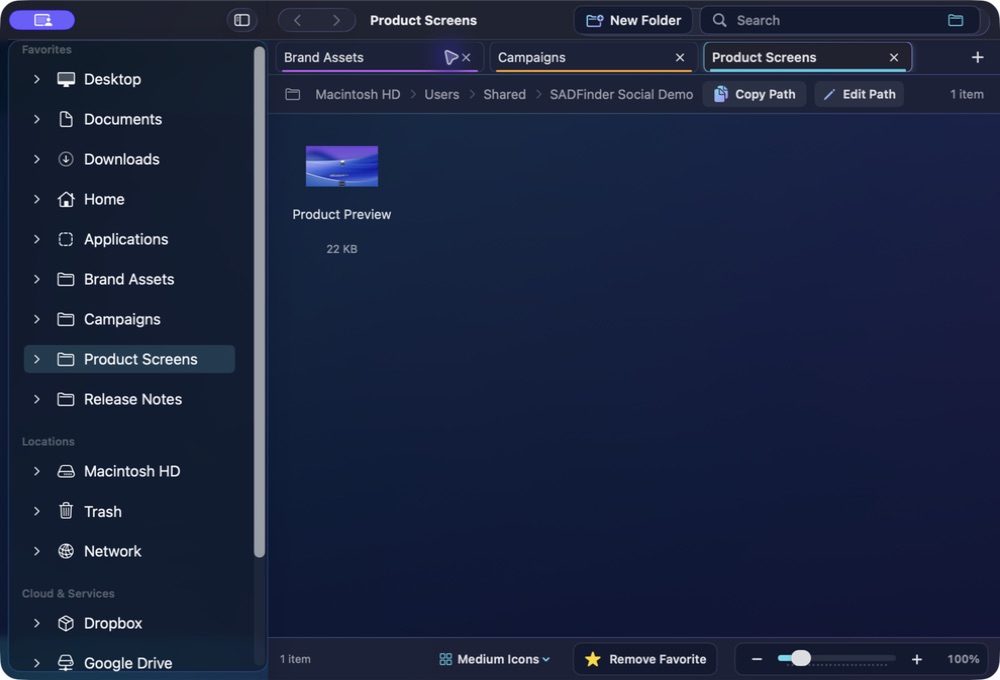
SADFinder rende più veloci le azioni quotidiane sui file: Invio apre, il tasto Canc (⌫) sposta nel Cestino, Alt+Su sale di livello, con schede e una barra del percorso davvero modificabile.
I tasti tornano ad avere senso.
Mantieni scorciatoie da tastiera veloci senza rinunciare a un'app Mac nativa.
★Remove Favorite −+100%
Open
Memoria muscolare
I tasti tornano ad avere senso.
01
Memoria muscolare
Invio apre
Apri cartelle e file con Invio invece di rinominarli per sbaglio.
keys⏎⌫
assets
components⏎ open
index.html
README.md
02
Memoria muscolare
Alt+↑ sale
Vai alla cartella superiore con la scorciatoia che conosci da Explorer.
keys⏎⌫
assets
components⏎ open
index.html
README.md
03
Memoria muscolare
Canc significa Cestino
Sposta gli elementi selezionati nel Cestino con Canc. Cmd+Canc lo salta.
notes.md
shot.png
old.zip
drafts
demo.m4a
backup
04
Memoria muscolare
Percorso modificabile
Premi Cmd+L, incolla o digita un percorso e raggiungilo subito.
05
Memoria muscolare
Schede reali
Apri, ripristina, taglia in una scheda e incolla in un'altra.
keys⌘T⌘X⌘N
Projects Downloads Photos
hero-final.png⌘X cut
logo.svg
exports
06
Memoria muscolare
Aggancio finestre
Aggancia la finestra attiva a metà, quarti o schermo intero dalla tastiera.
keys⌃⇧←⌃⇧→
SADFinderFileEditViewWindow
Themes
Make it readable. Make it yours.
A closer look at ten of SADFinder's seventeen built-in themes, including six premium styles with richer glass, colour and contrast.
SADFinder theme preview
Mac switchers get it immediately.
When I switched from Windows to Mac, Finder just didn't click for me — literally. No clicking into folders, no backspace to go back, all the little shortcuts I took for granted were gone. SADFinder fixed that. Now navigating feels fast, natural, and kind of satisfying.
I worked in DOS and Windows for decades, then became a zealous Mac convert. The one thing that bugged me about macOS is Finder — it just doesn't act the way I think it should. SADFinder has made my Mac-centered life MUCH better.
Ken Granger
Prezzi
Scegli mensile, annuale o lifetime.
Mensile
$5/ mese
Massima flessibilità. Annulla quando vuoi.
Prova gratis per 7 giorni Annuale Più conveniente
$29 / anno · $2.42/mese
$2.42/mese, con fatturazione annuale — risparmi il 52% rispetto al mensile.
Prova gratis per 7 giorni Lifetime Aggiornamenti inclusi
$49una tantum
Paghi una volta. Accesso lifetime con tutti gli aggiornamenti futuri inclusi.
Compra una volta — 49 $Klarna. Al checkout, solo per acquisti Lifetime idonei.
7 giorni gratis, senza carta. Poi 5 $/mese, 29 $/anno o 49 $ una tantum. · Rimborso 14 giorni sul primo acquisto