0.1.110: updates since 0.1.106
A bigger drop zone and a keyboard-first Save As in the Dialog Picker, file details on hover in icon view, and fixes. Included in 0.1.107 through 0.1.110.
Dialog Picker: a bigger target and a faster Save As
- New
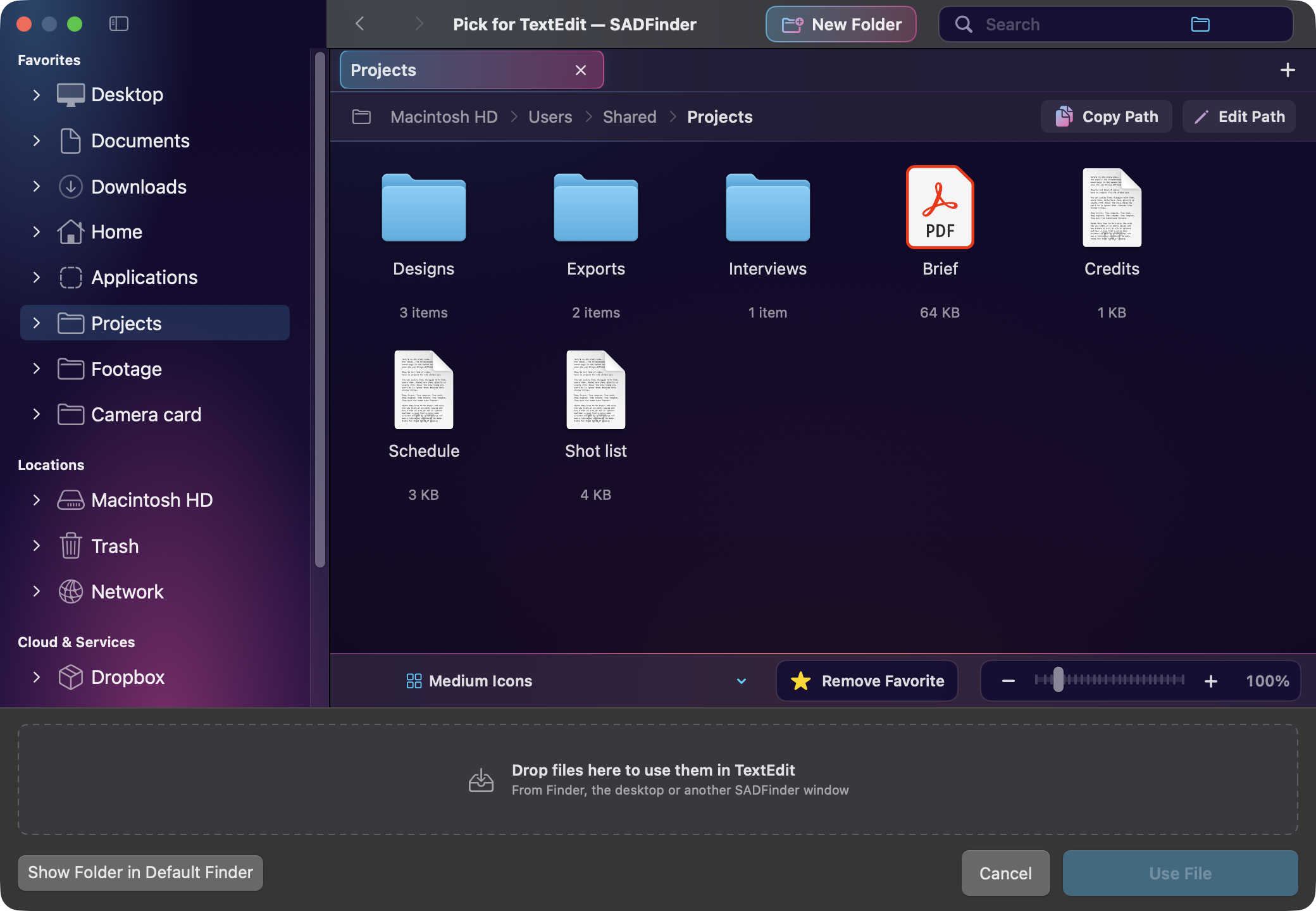
The drop zone, where files dragged from Finder, the desktop or another SADFinder window are handed to an app’s Open dialog, is now a full-width row above the buttons. It is more than twice as tall as the strip it replaces and names the app the files go to.
- New
When an app opens a Save dialog, the picker’s file name field takes the keyboard right away. Type the name and press Return to save into the folder SADFinder shows. Prefer the app’s own Save panel to keep the keyboard until you click into the picker? Turn off Settings → Desktop & Windows → Start typing the file name in SADFinder.
- Improved
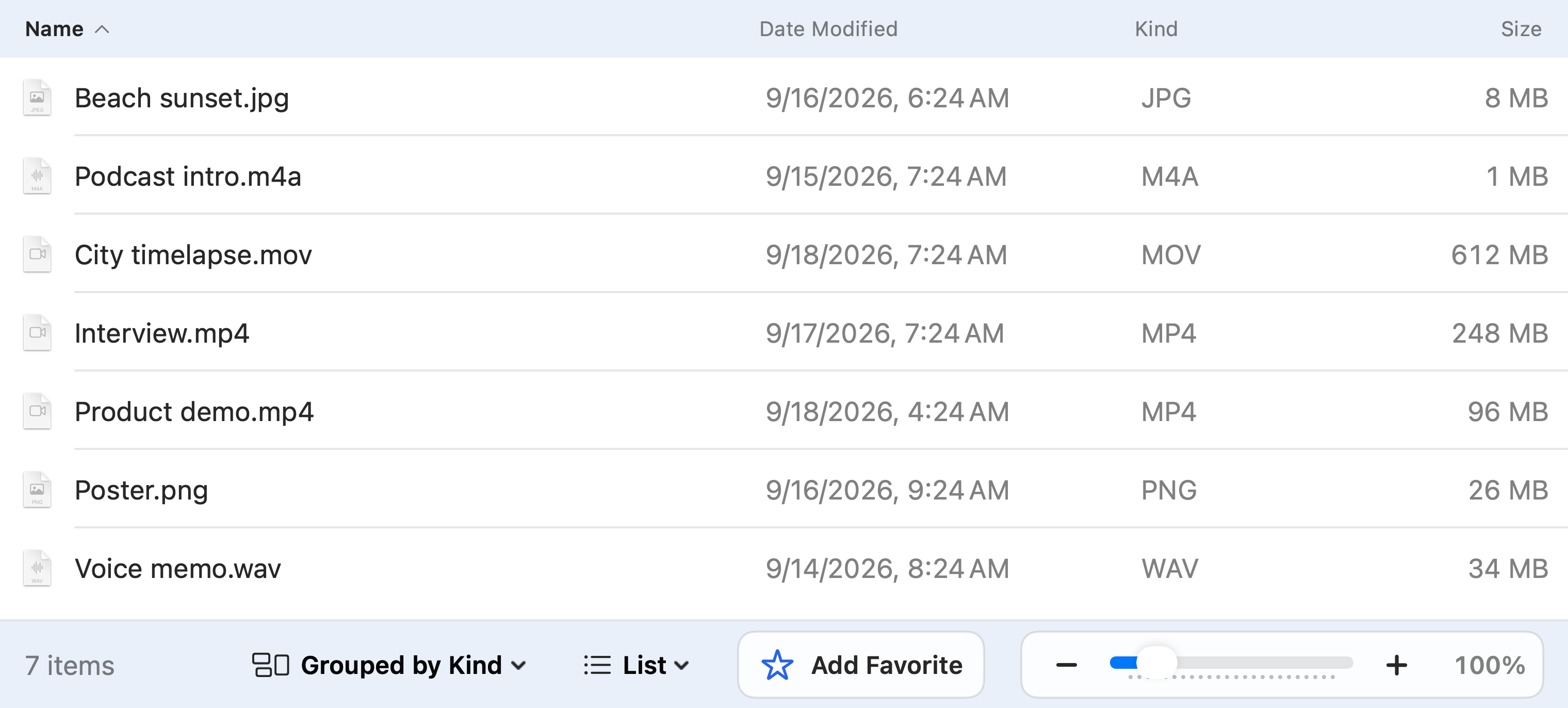
The picker’s footer is laid out like a macOS dialog: Show Folder in Default Finder on the left, Cancel and a much larger Save (or Use File) on the right. Cancel closes the app’s dialog, exactly like Escape.
More detail at a glance
- New
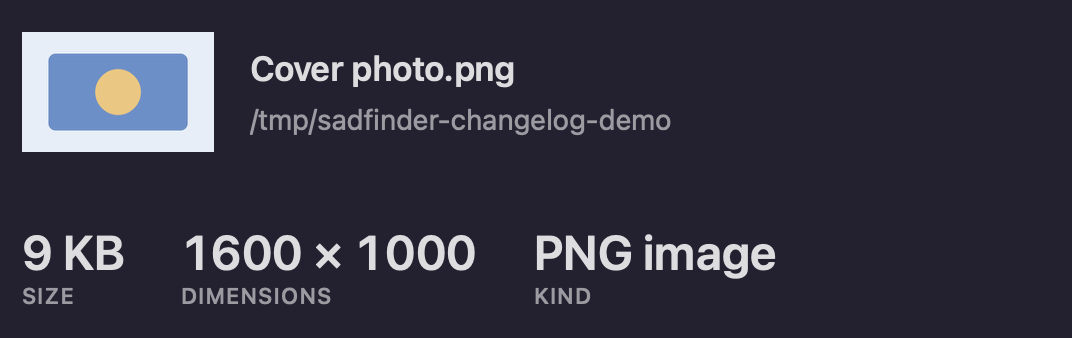
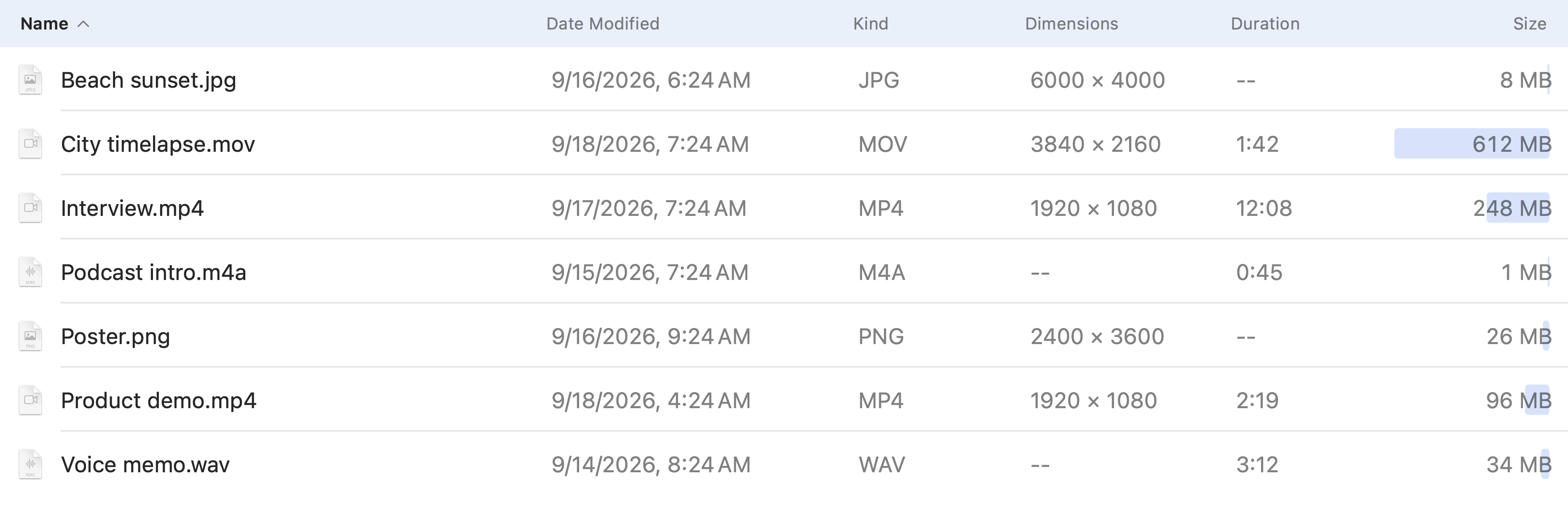
Hovering over a file or folder in icon view shows its details: kind, dimensions, size, how many items a folder holds, when it was last modified and, in search results, where it is. Details that are not known are left out, and the tooltip stays away while you rename.
Fixes
- Fixed
Opening a folder whose listing names the same file twice no longer crashes SADFinder. macOS can do that on a network share while files are still arriving, as on a Synology folder receiving a phone’s photo backup. The file is listed once.
- Fixed
Forward Delete (fn+Delete on a laptop) inside a name you are editing deletes the selected text. It used to move the file you were renaming, or the folder on the desktop, to the Trash, and it did the same in the search field and the path bar whenever something was selected.
- Improved
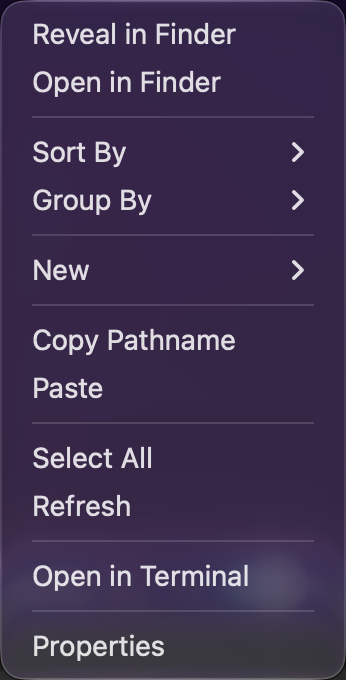
Right-clicking in a big folder, the desktop’s icons and folders that refresh themselves no longer ask the disk the same question over and over while you wait, so they stay responsive on slow, external and network drives.