- Improved
Switching from the Mac App Store edition is seamless. On first launch, the standalone app brings over your favorites, tabs, theme, view settings, and completed setup, then can move the leftover App Store copy to the Trash.
- Fixed
Drag and drop keeps working after a cloud folder reload or a temporary layout hiccup instead of silently stopping for that window.
- Fixed
Search checks the folder in front of you before descending into large subfolders, so nearby matches are found even in folders with tens of thousands of files. If a huge search stops early, SADFinder says so clearly.
- Improved
Keep Quick Look open while you move through a selection with the arrow keys. The preview follows along while the file list keeps keyboard focus.
- Fixed
Make available offline now downloads online-only Dropbox files and folders reliably, reports real provider errors, and refreshes cloud badges as soon as the download finishes.
- New
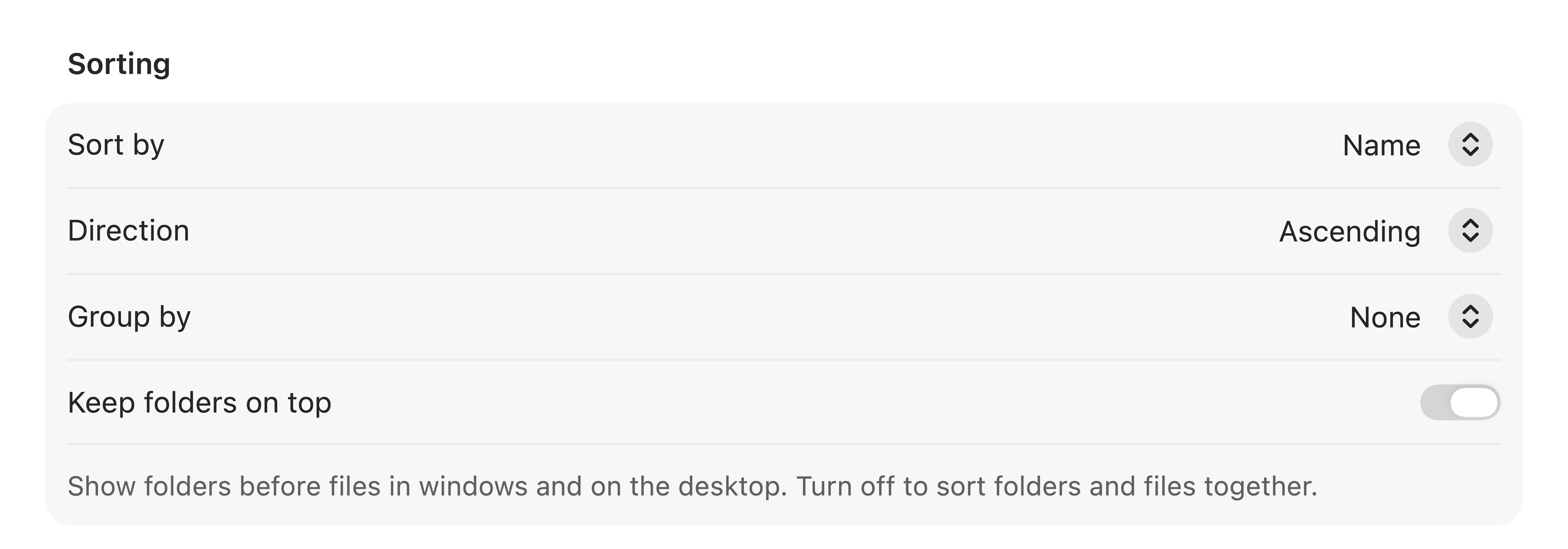
List view can show Date Created and Date Added columns. Both columns sort on click and remember your choice.
- Improved
Refresh keeps your selection and now has two keyboard shortcuts: F5 and ⌘⇧R.
- Improved
Properties (⌘I) now fits its most useful details on one screen, with a compact two-column layout and a one-click path copy action.
- New
Drop files from another SADFinder window, the Desktop, or Finder straight onto the Dialog Picker to attach them to the app you are using.
- Improved
Dialog Picker is steadier with busy apps and multiple file dialogs: it retries interrupted scans, stays with the dialog you actually opened, and no longer pulls unrelated SADFinder windows forward.
- Fixed
Folders containing camera RAW files no longer crash while SADFinder creates thumbnails or opens Properties.
- Fixed
Hiding Finder's desktop icons now takes effect reliably when SADFinder controls the Desktop.
- Fixed
Renaming stays responsive in List view, even in folders with thousands of items.
- Improved
Trash now includes items deleted from external drives. Without Full Disk Access, SADFinder clearly explains when external Trash items are hidden and links to the right setting.