Changelog

0.1.85

Cleaner exits. Steadier icons.

Updates from 0.1.84–0.1.85: Finder integration lets go when it should, and busy folders stay responsive.

  • Fixed

    Removing SADFinder releases its Finder integration, login item, and desktop replacement. A copy launched from the Trash restores Finder’s roles and quits instead of opening another window.

  • Fixed

    Turning Finder integration off releases its system roles, so Open in Finder no longer points to a disabled SADFinder.

  • Fixed

    Folder icons stay visible when the Mac is low on memory, and loading many icons at once avoids the repeated redraws that could freeze browsing.
0.1.83

Search that stays where you left it.

Search now survives a quick trip to another app, closes cleanly when you navigate, and connects to WebDAV servers. Sorting, dialogs, and folder views also remember what you chose.

New Improved Fixed

Changes in version 0.1.83

  • Improved

    Search stays exactly where you left it when you check another app and come back. It ends only when you clear it, press Escape, go Back, or navigate somewhere else.

  • Improved

    Back now closes an active search before it walks through folder history, and navigation from the sidebar, path bar, or ⌘↑ leaves search cleanly.

  • New

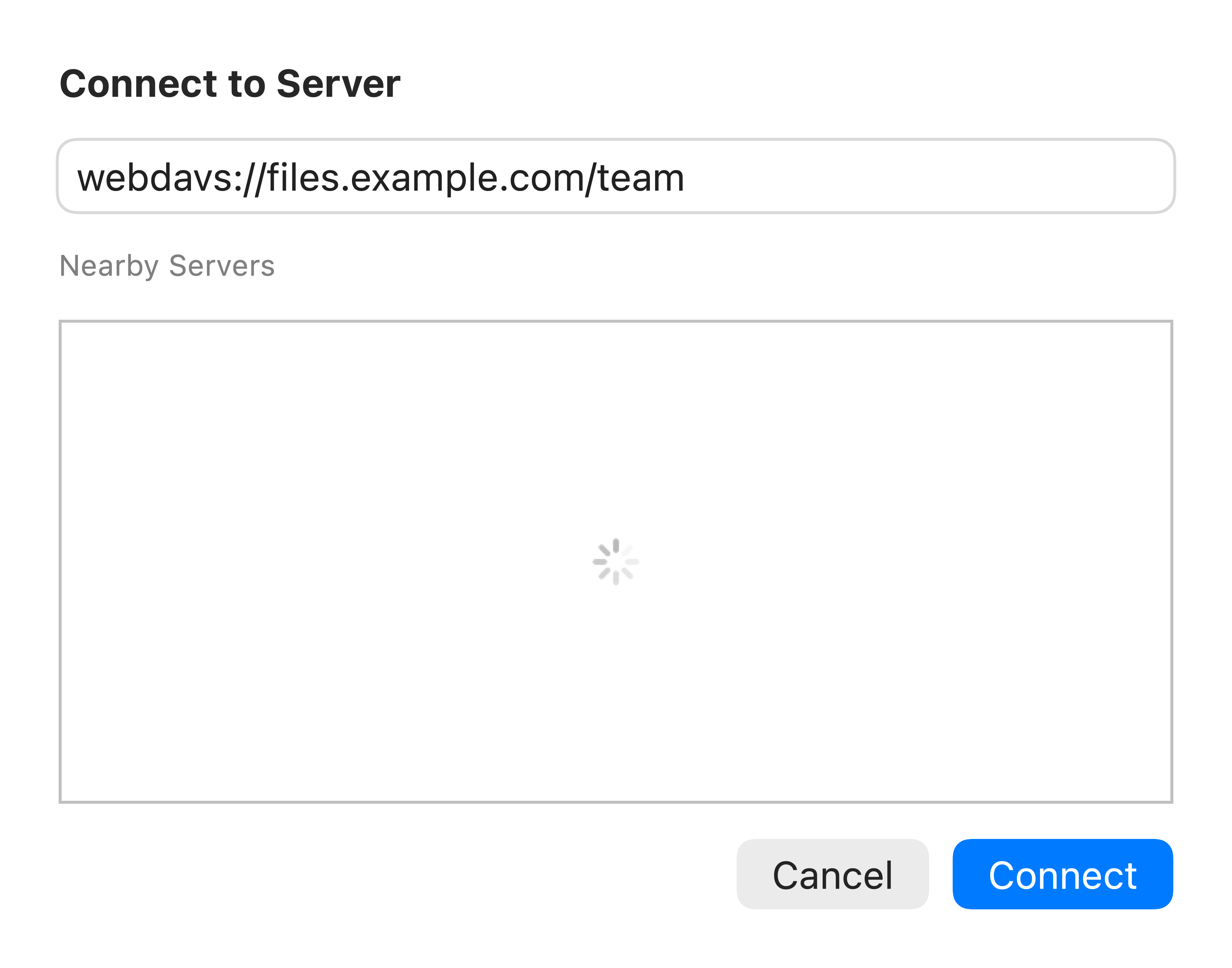
    Connect to Server now accepts WebDAV addresses, including webdav:// shortcuts and servers using a nonstandard port.

  • Fixed

    Deleting an app that needs extra permission now explains the missing macOS access and opens the right Privacy & Security setting.

  • New

    Desktop sorting now includes Date Added, with the newest items first.

  • Improved

    The open/save companion palette keeps the host dialog focused and remembers its destination per app, while folder view settings stay consistent across every window.

WebDAV in Connect to Server. Enter your server address in the connection window. Shown with an example address; no server connection is shown. Click to enlarge.
0.1.82

Desktop thumbnails, up to date.

Export or download an image to the Desktop and SADFinder refreshes its thumbnail as soon as the file finishes writing.

Fixed

Changes in version 0.1.82

  • Fixed

    Desktop thumbnails refresh after an image is exported or downloaded there, so a finished file no longer stays a black or stale preview.